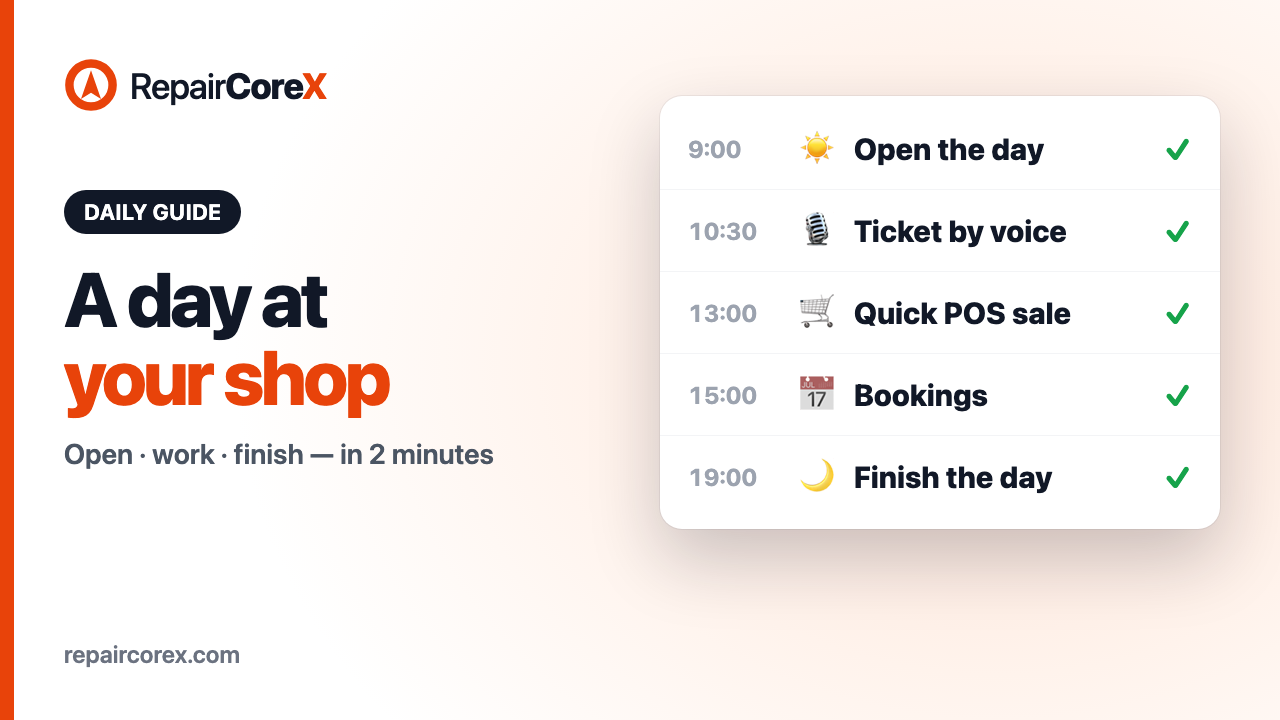
The whole day, in one routine
Most repair shops don't need more features — they need a routine that works on a busy day. This guide follows a phone repair shop from the moment the door opens to the moment the drawer is counted, and shows the one or two taps each step takes in RepairCoreX.
3px] rounded-r-2xl bg-slate-50 dark:bg-slate-800/60">"Prefer to watch? The 2-minute video of this whole day is on our [Videos page.
Morning: open the day
When you sign in, a bar at the top of the screen tells you today's day isn't opened yet. Tap Open day and today's report begins. The starting cash is filled in for you from the last time the drawer was counted, so there's nothing to type.
Forgot? The first sale at the Point of Sale opens the day by itself. Nothing is ever blocked because the day wasn't opened.
Tip: if your team clocks in, tap Clock In in the top bar at the same time.Check what's on today
The Dashboard is the shop at a glance: today's revenue, open tickets, today's appointments, new customers and low-stock items, with the week's revenue and where every ticket stands. Two minutes here in the morning tells you which jobs are due and what needs ordering.
A customer walks in: create a ticket by voice
Open Tickets → New Ticket and tap ✨ AI. Say the job the way you'd tell a colleague — *"Emily Johnson, 212 555 1010, iPhone 13, the battery drains fast, she wants it tomorrow."*
RepairCoreX fills in the customer, the device, the problem and the due date. If the phone number belongs to a customer you already have, they're picked for you — no duplicates. Check the fields and press Create Ticket. Nothing is saved until you do.
Prefer typing? Type the same sentence into the box instead. Ticket Creation with AI is included on every plan, even Free.
Follow every job on the board
Switch the Tickets page to Kanban and every job is a card that moves from Received, to In Progress, to Ready. Your customer can follow the same progress on their own tracking link, so fewer "is it ready yet?" calls.
Sell an accessory at the counter
At Point of Sale, open the till, search or scan the item — a charger, a screen protector — and press Checkout. Choose cash, card or mobile payment and complete the sale. Stock goes down by itself, and the receipt is ready to print.
See today's bookings
Customers who book online land straight on the Appointments calendar, by technician, with the service they chose. Glance at it when the day starts and again after lunch.
Paid cash from the till? Record it
When the courier is paid from the drawer, record it in Expenses → New Expense, mark it as already paid in cash and tick Paid from the till. That one tick is what keeps tonight's cash count right — the system knows that cash left the drawer.
Evening: finish the day
Go to End of Day and tap Finish the day. It's three short steps:
Any time: the Day Book
Reports → Day Book lists every sale, payment and expense of a day — money in and money out — so you can answer "where did that cash go?" in seconds.Don't count cash every day? That's fine
Many shops only count the drawer once a week, or simply forget some days. RepairCoreX is built for that:
So count every evening if you like the control, or once a week if that suits your shop — the expected cash is right either way.
The routine on one page
Ten minutes of routine a day, and the shop's numbers are always ready when you need them.